
-
Click on the Windows Start button.
-
Scroll down to and click Microsoft Endpoint Manager.
-
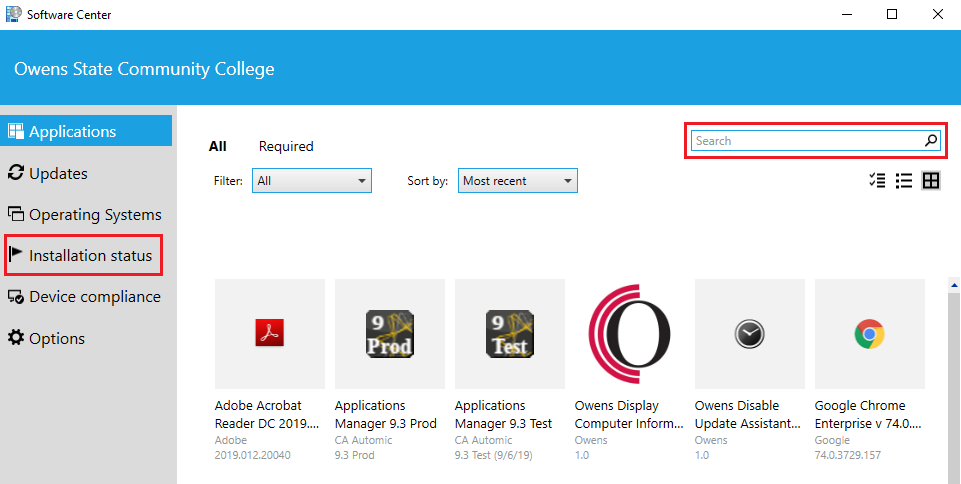
Click on Software Center. A new window will open with a selection of currently available software to choose from.
-
In the Search box located in the upper right corner, enter the software you would like to install. Hit enter or click on the Search icon.
-
Click on the software icon you would like installed.
-
Click Install.
-
You can check the status of the install by clicking on Installation Status in the menu to the left.
If there is a piece of software that you need but do not see listed, call the Owens IT Help Desk at 567-661-7120.
Keywords: download install